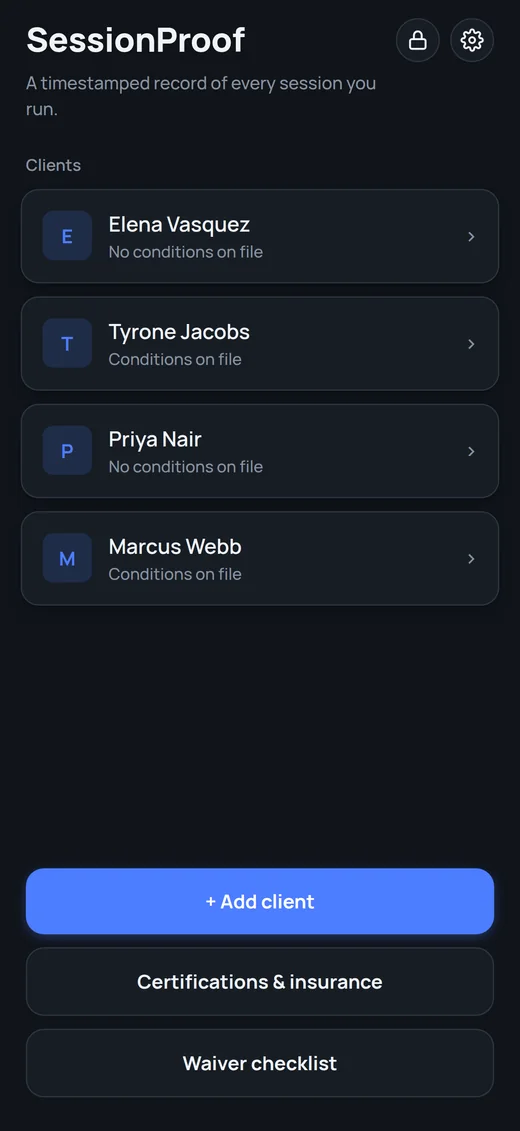
SessionProof
What's in the app
Every screen here uses sample data.
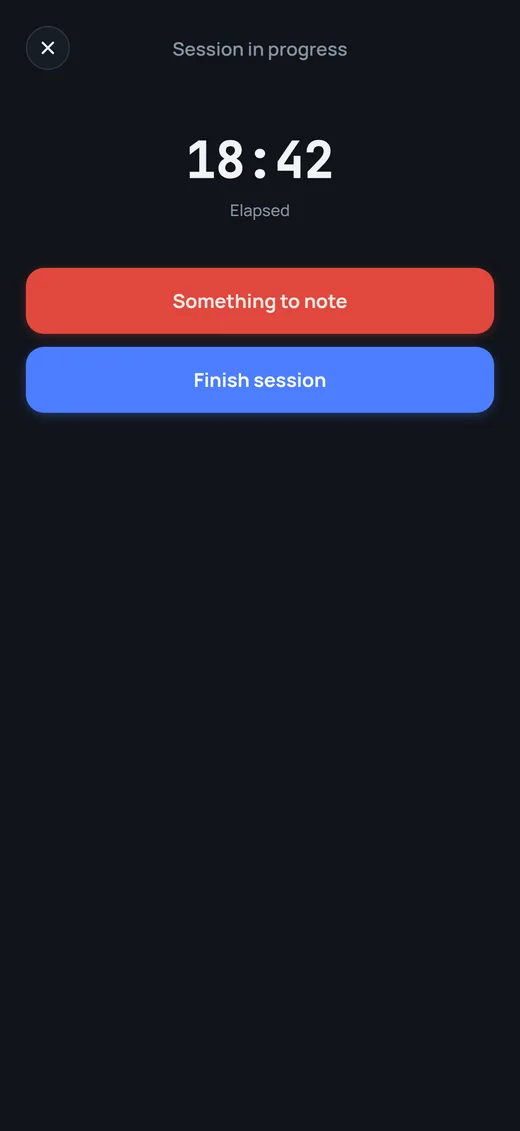
Log it as it happens
Start a session and the timer runs. Tap "Something to note" whenever something comes up. When you finish, the session is saved with its timestamp.
At the end, hand your phone to your client so they can confirm the record.
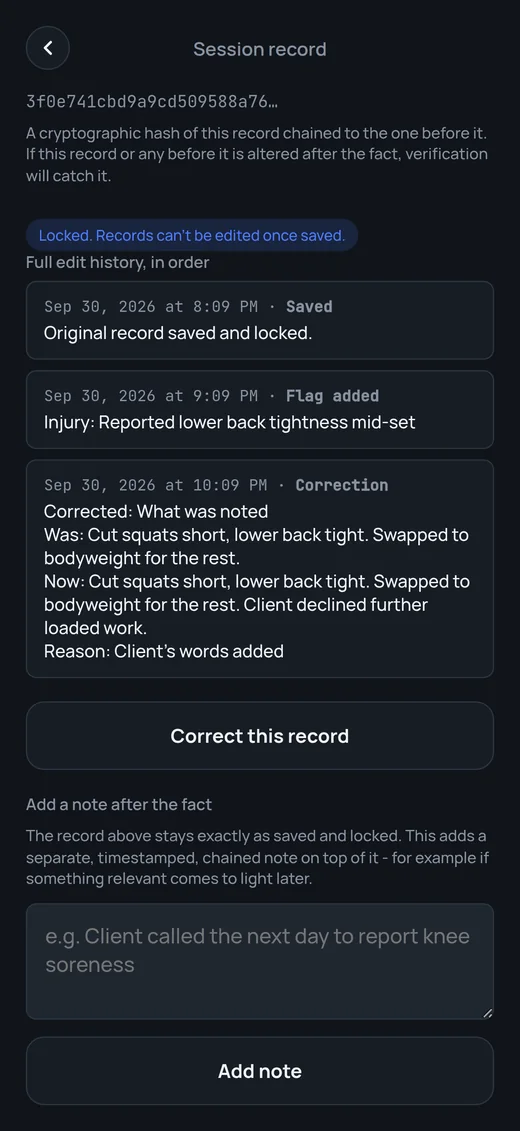
Locked once saved
A saved record can't be edited. If you got something wrong, add a correction. It's saved as a new entry showing the old text, the new text and the reason, and the original stays.
If something comes up later, add a separate timestamped note under the record.
Every session, in order
Sessions are grouped by month and searchable. Flag one for an injury, a no-show, a payment issue or a progress milestone, and add a short reason.
Verify the whole log from the client page. Export a client's full history, or just their flagged sessions, as a PDF or CSV.
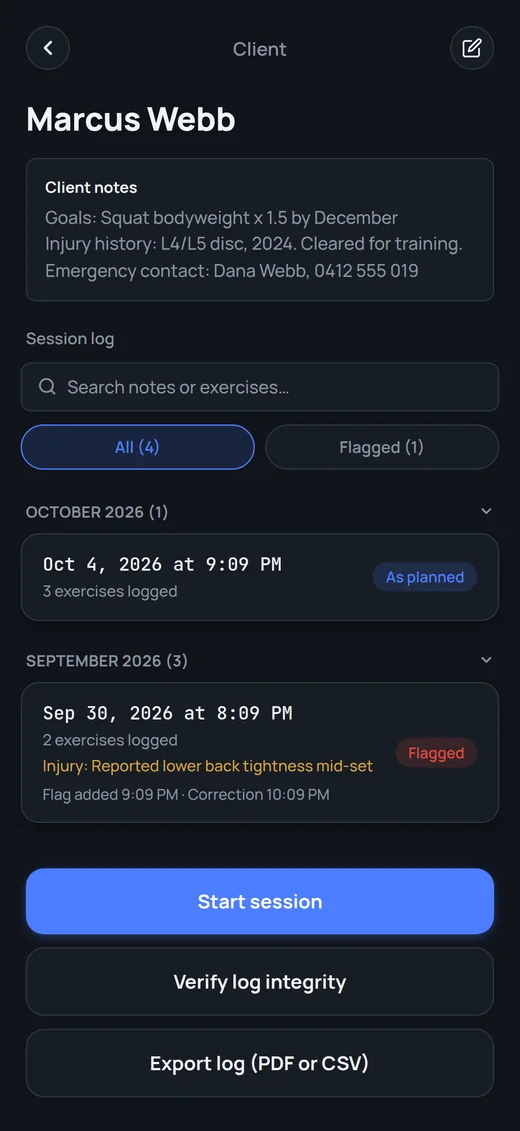
Everything about each client
Goals, injury history and an emergency contact are stored with each client, separate from the session log.
Lock the app behind a passcode, and unlock it with Face ID or Touch ID.